The Base Station v2 is a Z-wave other by Ring. It works with Home Assistant, Google Home and Amazon Alexa.
Compatibility
Compatibility data may be incomplete. Useorto indicate whether it matches your experience.
Shop Ring on Amazon
Browse current Ring smart home products and deals on Amazon.
Featured Ring devices
See all →
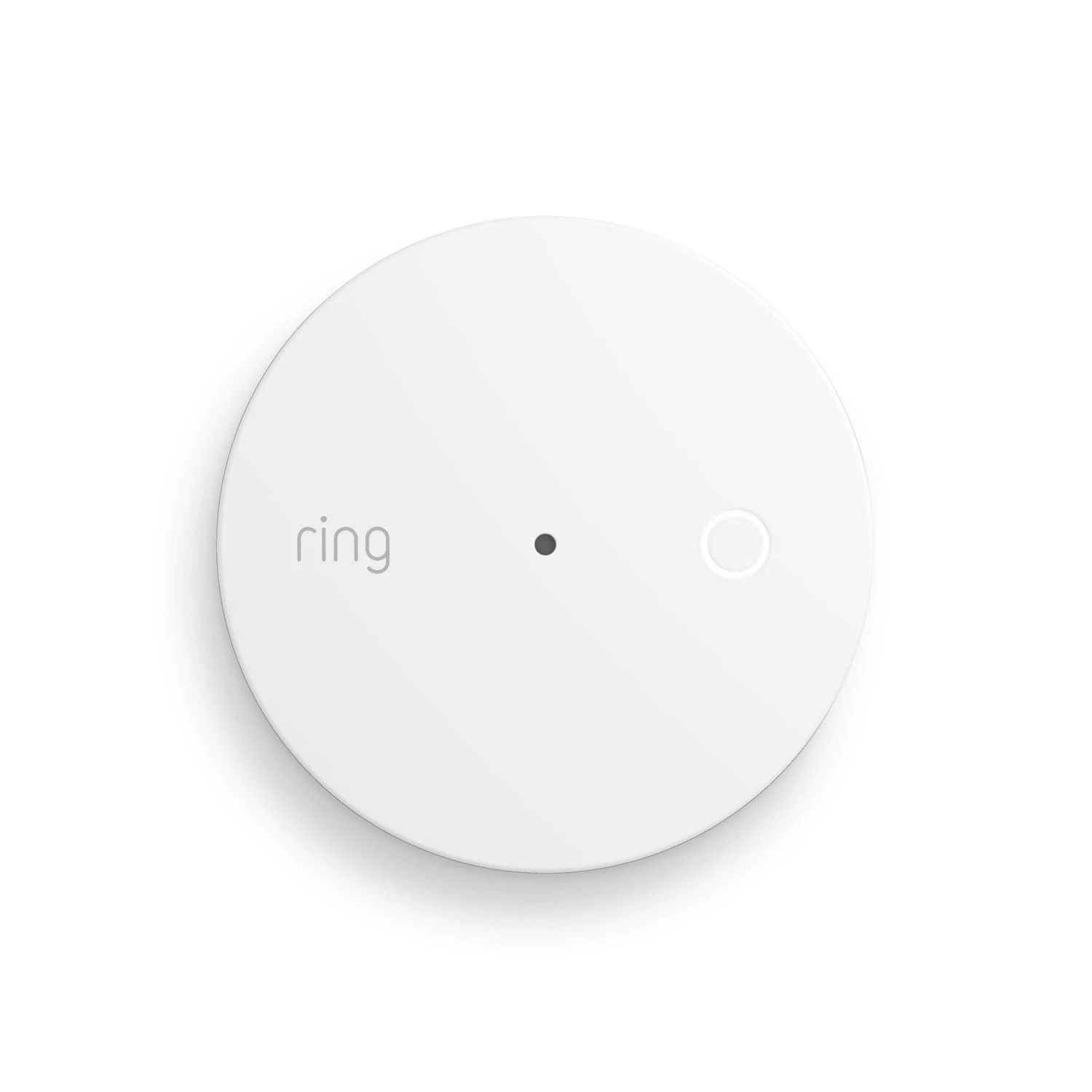

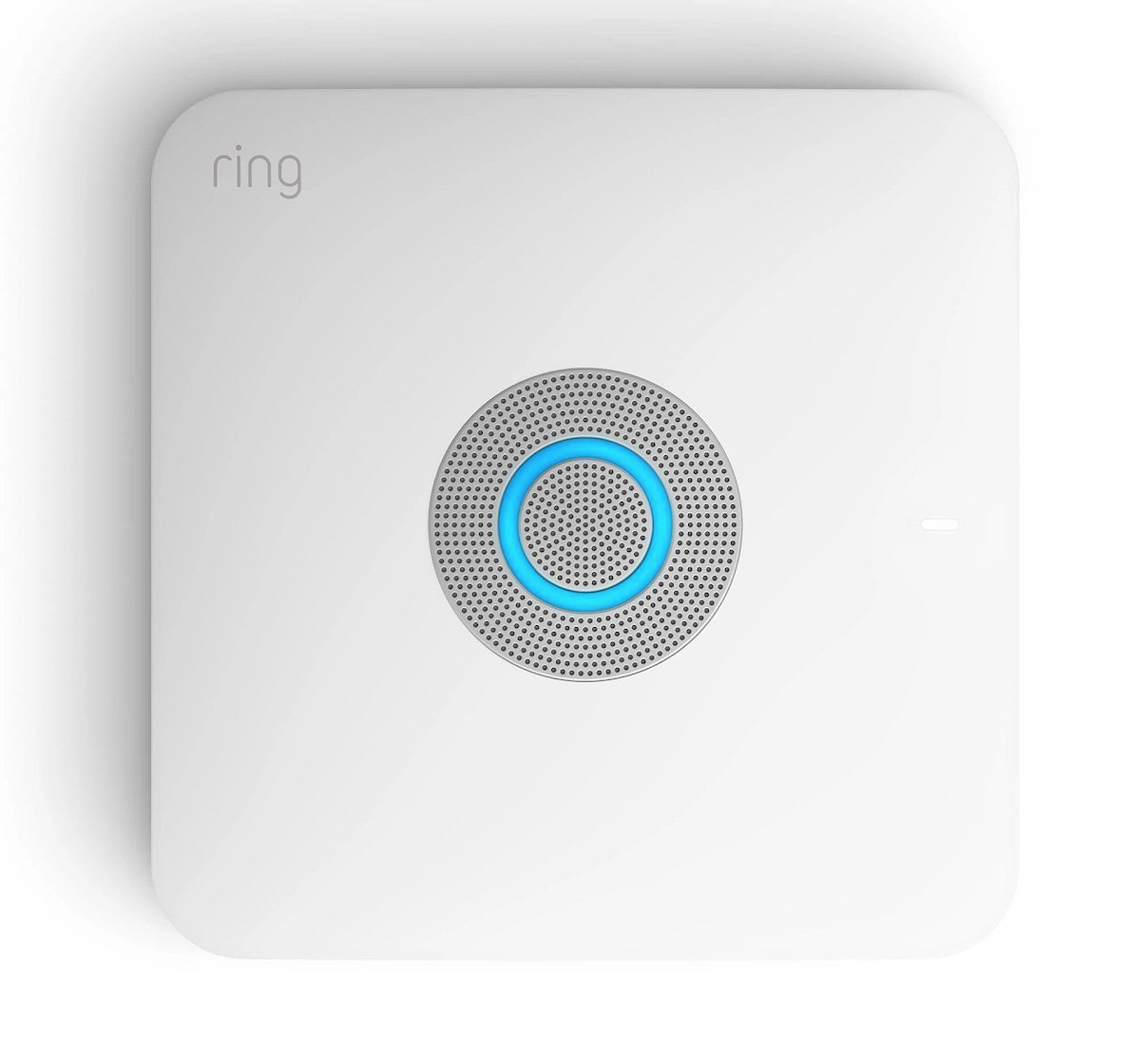

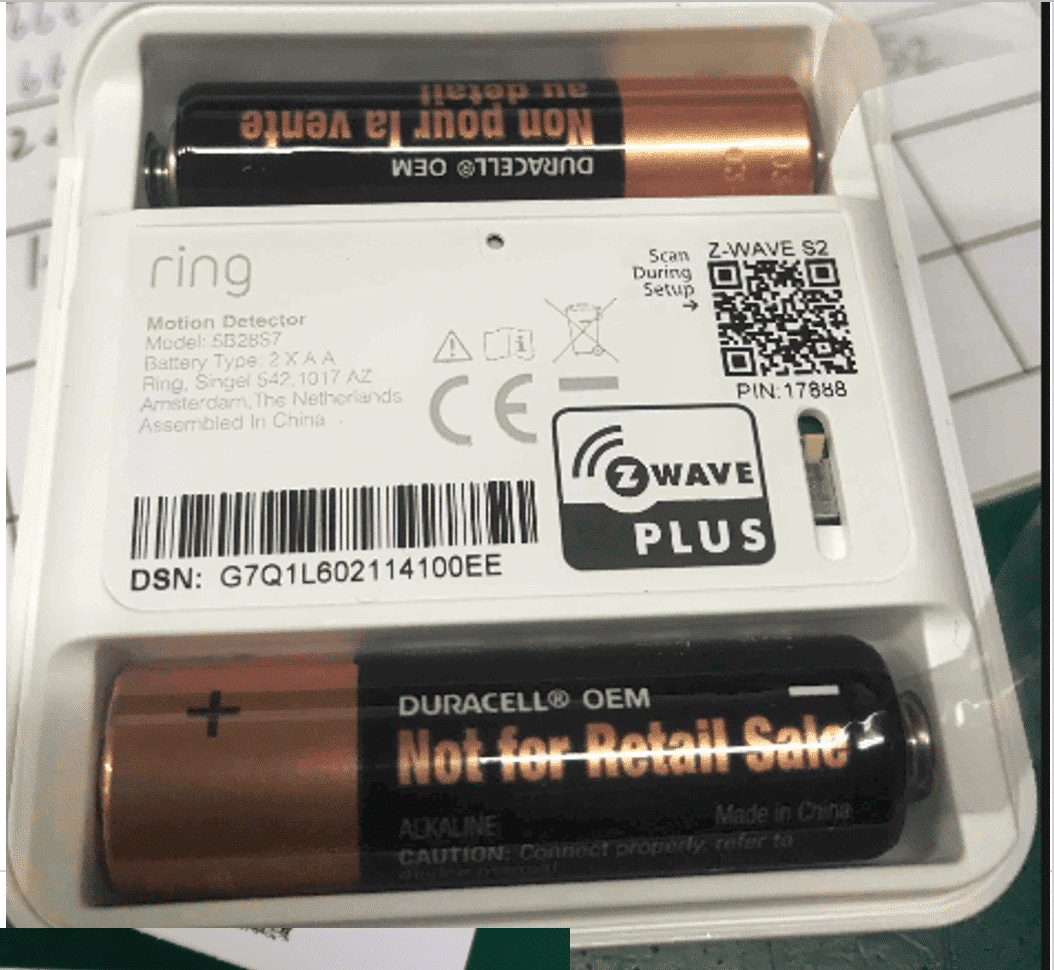
Setup instructions
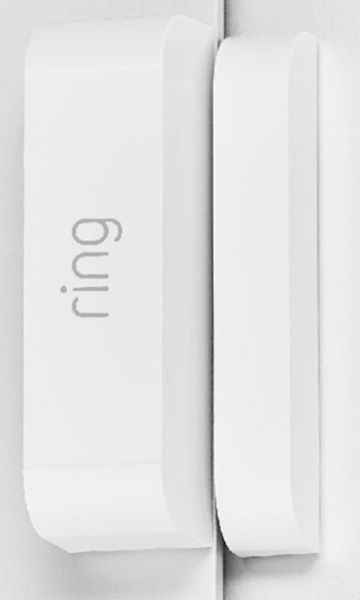
Classic Inclusion Steps: 1. Start inclusion mode on the primary controller 2. From the application's UI, navigate to controller's device setting screen -> select Advance options -> Select Z-wave from 'Protocol Adapters' and Select 'Learn Mode' – DSK will be displayed (refer to the picture below) 3. Select 'Begin Learn Mode' in the UI 4. When the inclusion process in complete, the LED on the base station will be solid blue Note: Joining another Z-Wave network via learn mode is available only when the base station is not already paired to any other devices
Frequently asked questions
Does the Base Station v2 work with Home Assistant?
Yes — the Base Station v2 is supported by Z-Wave JS, the modern Z-Wave stack used by Home Assistant. Pair it through the Z-Wave JS UI or the Home Assistant Z-Wave integration. A Z-Wave controller is required.
Is the Base Station v2 compatible with Google Home?
Yes — the Base Station v2 works with Google Home via the manufacturer's official cloud integration. Link the brand account in the Google Home app to control it with voice or routines.
Does the Base Station v2 work with Amazon Alexa?
Yes — the Base Station v2 works with Amazon Alexa via the manufacturer's official skill. Enable the skill in the Alexa app and link your account.
What protocol does the Base Station v2 use?
The Base Station v2 communicates over Z-Wave.
Data: zwave
← Back to results