Apple Home Compatible Devices
Smart home devices that work with Apple Home (formerly known as Apple HomeKit). Every device on this page can be added to the Home app on iOS, iPadOS or macOS via Matter or the original HomeKit pairing process, and controlled by Siri, automations, and Home hubs like HomePod or Apple TV.
How Apple Home compatibility works
Apple Home (the platform) and the Home app (the iOS / macOS / iPadOS interface) are how Apple devices control the smart home. Apple Home supports two pairing standards: the original HomeKit accessory protocol, which still ships on plenty of accessories, and Matter, which Apple co-founded.
Apple Home is famously local-first. With a Home hub on your network (HomePod mini, HomePod 2nd gen, or Apple TV 4K), most accessory commands run on your local Wi-Fi without round-tripping to a cloud. That makes Apple Home automations among the most responsive of any smart home platform, and they keep working even when your internet is down.
For Matter-over-Thread devices (battery sensors, locks, contact sensors), Apple Home needs a Thread Border Router. HomePod mini, HomePod 2nd gen and recent Apple TV 4K models all qualify and pick up Thread automatically.
Apple does not build Zigbee or Z-Wave radios into any of its hardware. To use Zigbee or Z-Wave devices with Apple Home you need a HomeKit-aware bridge. The Philips Hue Bridge exposes Hue Zigbee bulbs, the Aqara M2 / M3 expose Aqara Zigbee devices, and Home Assistant with the HomeKit integration can bridge anything in your Home Assistant instance to Apple Home.
Need an Apple Home hub?
HomePod and HomePod mini act as Home hubs and Thread Border Routers. Apple TV 4K is a hub-only option.
Browse by protocol
Matter
Pair Matter devices directly from the Apple Home app on any iPhone or iPad.
1,790 Apple Home-compatible Matter devices
Zigbee
Zigbee devices exposed to Apple Home via a Hue, Aqara or other HomeKit-aware bridge.
1,150 Apple Home-compatible Zigbee devices
Z-Wave
Z-Wave devices bridged to Apple Home through Home Assistant or Hubitat.
424 Apple Home-compatible Z-Wave devices
Browse by category
Smart lights
1,656 devices
Door locks
308 devices
Switches
299 devices
Smart plugs
259 devices
Sensors
197 devices
Thermostats
164 devices
Blinds & covers
151 devices
Bridges
132 devices
Other
82 devices
Robot vacuums
37 devices
Remotes & buttons
37 devices
Fans
34 devices
Alarms & sirens
4 devices
Water valves
3 devices
Cameras
1 devices
Featured devices
See all 3,364 →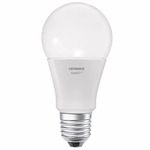
LEDVANCE
SMART+ Classic A60 E27 Tunable white
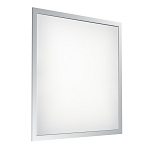
LEDVANCE
SMART+ panel 60x60cm/120x30cm tunable white
Panasonic
CS-CU-VU18BKYFM
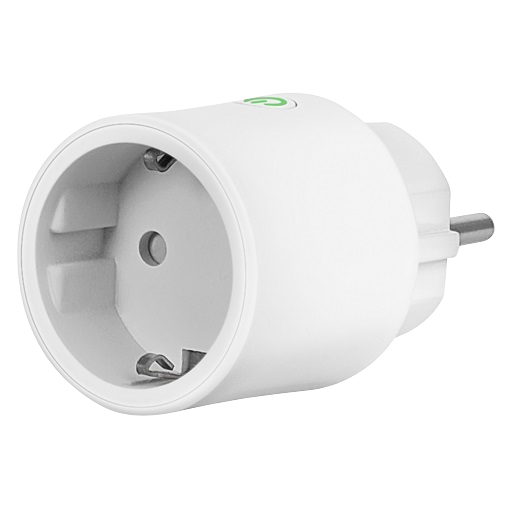
LEDVANCE
SMART+ Plug indoor EU with energy meter
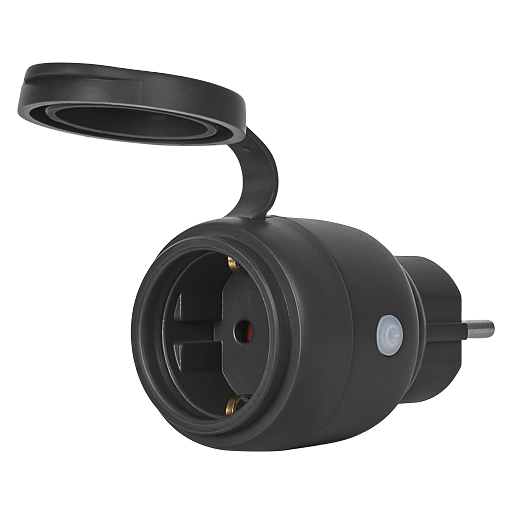
LEDVANCE
SMART+ Compact outdoor plug EU with energy meter
Panasonic
CS-CU-WU12BKYFM
LEDVANCE
Biolux HCL Panel 1200 Zigbee tunable white
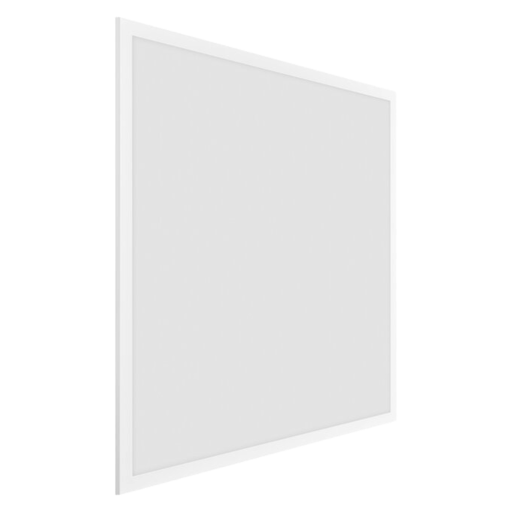
LEDVANCE
Biolux HCL Panel 600 Zigbee tunable white
Panasonic
CS-CU-EU12BKY5FM
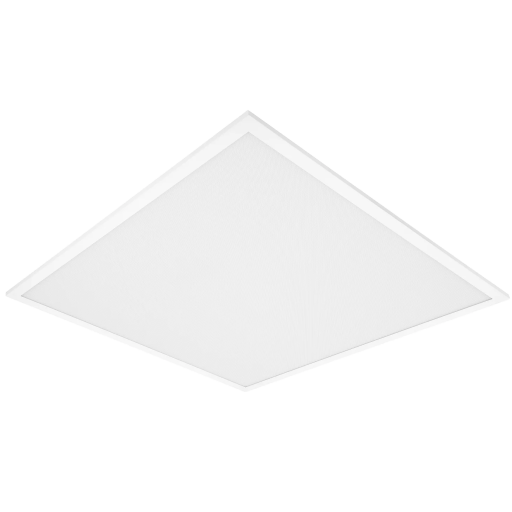
LEDVANCE
Biolux HCL Panel 625 Zigbee tunable white
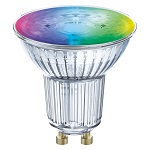
LEDVANCE
SMART+ Spot PAR16 28 GU10 Multicolor
Panasonic
CS-CU-QU26BKYFM
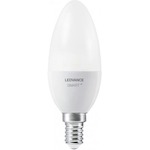
LEDVANCE
SMART+ candle E14 tunable white
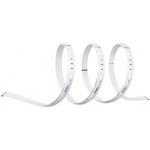
LEDVANCE
Flex 3P multicolor
Panasonic
CS-CU-EU12BKY3FM
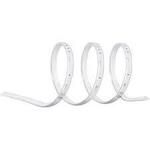
LEDVANCE
SMART+ outdoor flex multicolor
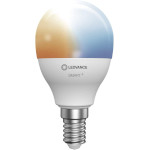
LEDVANCE
SMART+ Lighting - Classic E14 tunable white
Panasonic
CS-CU-WU18BKYFM
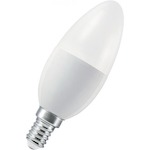
LEDVANCE
SMART+ candle E14 dimmable white
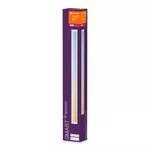
LEDVANCE
SMART+ indoor undercabinet light
Panasonic
CS-CU-NU18AKY5WX
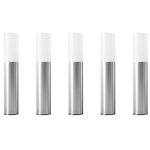
LEDVANCE
SMART+ gardenpole multicolour
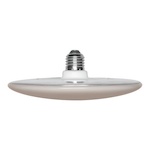
LEDVANCE
SMART+ lamp E27 tuneable white
Panasonic
CS-CU-NU18AKY4WX
Frequently asked questions
What devices work with Apple Home?
Apple Home works with any Matter-certified device, plus the long-running list of original HomeKit accessories. Categories include lights, plugs, locks, thermostats, cameras (with HomeKit Secure Video), doorbells, blinds, fans, and a growing list of appliances. Devices on this page are confirmed to either be Matter-certified or to be HomeKit-listed by their manufacturer.
What is the difference between HomeKit, Apple Home, and Matter?
HomeKit is the original Apple accessory protocol, launched in 2014. It is the one that uses 8-digit setup codes. Apple Home is the broader user-facing platform (the Home app, automations, Siri integration). Matter is the newer cross-platform standard that Apple now supports alongside HomeKit. From your perspective they all live in the same Home app: Apple Home pairs both HomeKit and Matter accessories with the same "+" button.
Do I need a HomePod or Apple TV?
You can add and use accessories without a Home hub, but for most of the value (automations that run on schedule or sensor triggers, remote access, guest invitations, Matter-over-Thread devices) you need a hub. HomePod mini, HomePod 2nd gen and Apple TV 4K all act as Home hubs. The HomePod options additionally have a Thread Border Router built in for Thread-based Matter devices.
How do I add a Matter device to Apple Home?
Open the Home app on your iPhone or iPad, tap "+" then "Add Accessory", then either scan the Matter QR code on the device or enter the 11-digit numeric setup code manually. The app handles Wi-Fi credentials, Thread network credentials (if applicable), and accessory categorisation automatically.
Does Apple Home work with Zigbee or Z-Wave?
Not natively. Apple does not ship a Zigbee or Z-Wave radio. To use Zigbee or Z-Wave devices with Apple Home you need a HomeKit-compatible bridge: a Philips Hue Bridge for Hue Zigbee bulbs, an Aqara M2 / M3 hub for Aqara Zigbee devices, or Home Assistant with its HomeKit integration to expose any device in your Home Assistant instance to Apple Home.
Ready to find a specific device?
Search all Apple Home-compatible devices