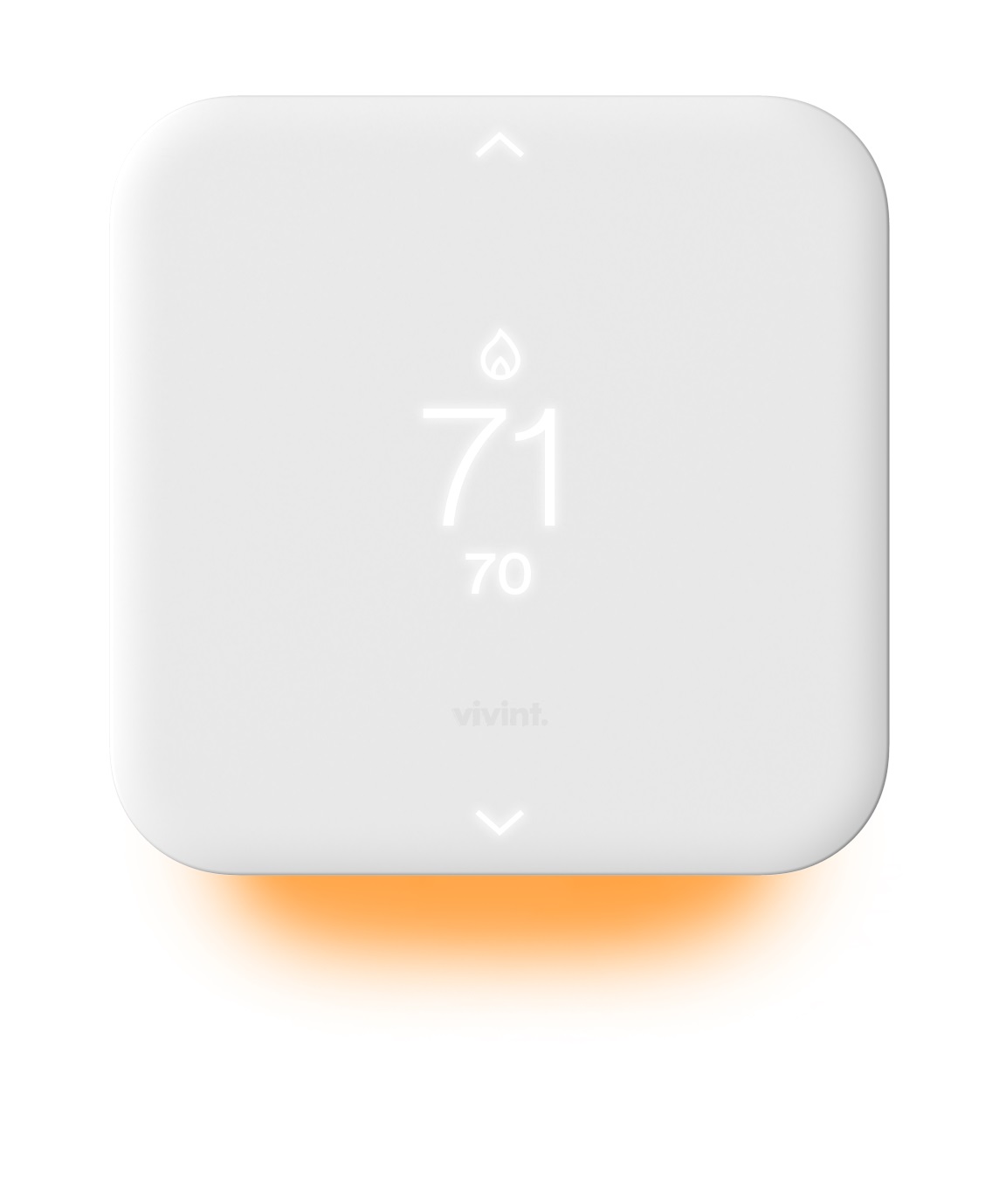
The Element Thermostat V2 is a Z-wave thermostats by Vivint. It works with Home Assistant.
Compatibility
Compatibility data may be incomplete. Useorto indicate whether it matches your experience.
Shop Vivint on Amazon
Browse current Vivint smart home products and deals on Amazon.
Featured Vivint devices
See all →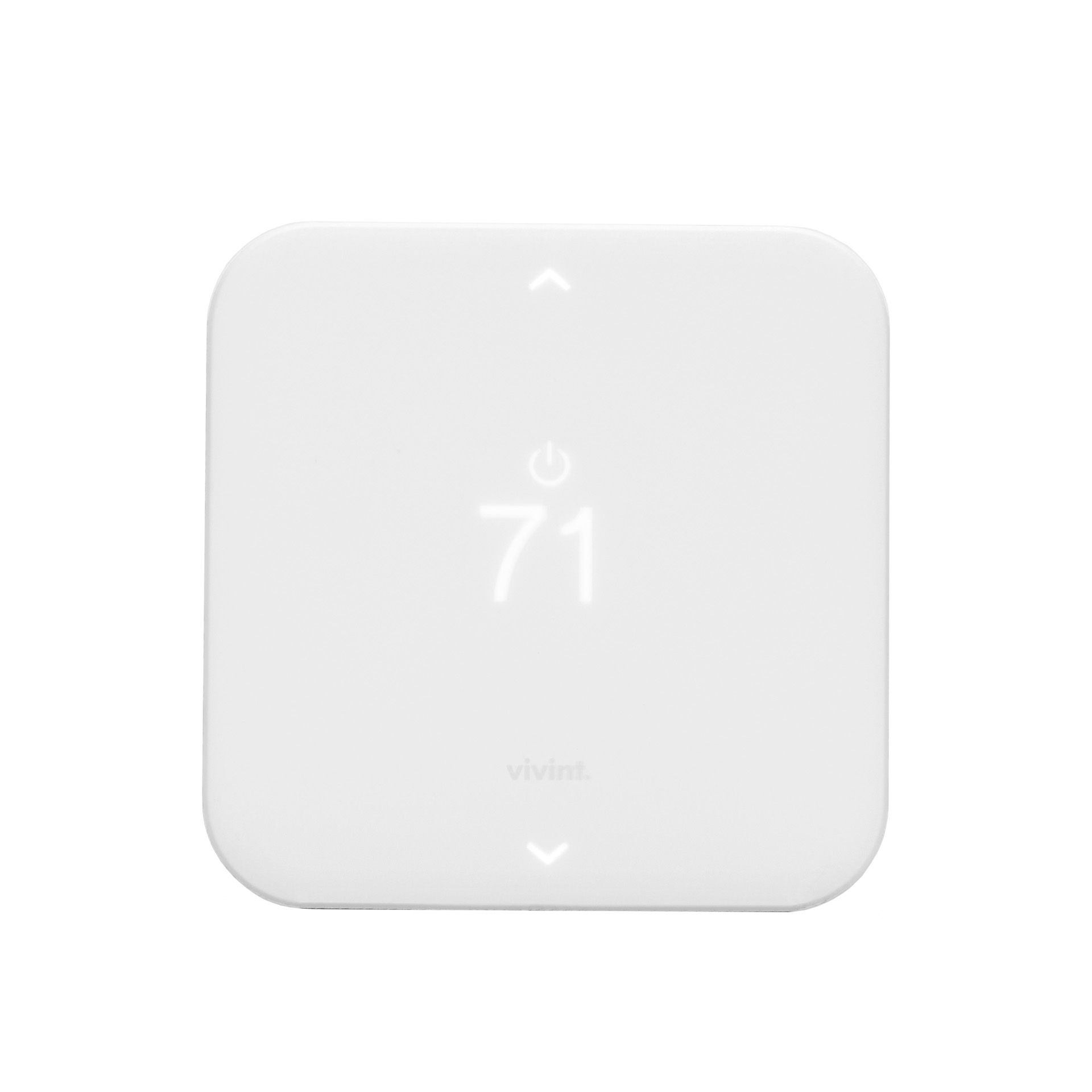
Setup instructions
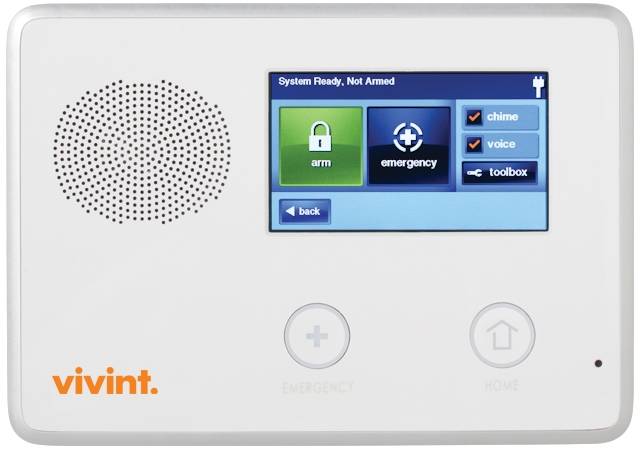
1. Set your panel to add node mode to add the thermostat as a node on your network. 2. The Thermostat main screen shows a welcome message. Press the SIDE button to continue. 3. When your panel is ready to connect to the Thermostat, press the SIDE button to connect. This initiates the network connection process. The Thermostat's screen says 'Connecting.' • If the connection fails, the screen says, 'Failed.' Press the SIDE button to try connecting again. 4. When the Thermostat has successfully joined a Z-Wave network from the panel, the screen displays the message 'Next'. 5. Complete your setup on the VIVINT panel. 6. Press the SIDE button to continue. Your panel indicates that the thermostat was successfully added to its network (see your specific controller's User Manual for details)
Frequently asked questions
Does the Element Thermostat V2 work with Home Assistant?
Yes — the Element Thermostat V2 is supported by Z-Wave JS, the modern Z-Wave stack used by Home Assistant. Pair it through the Z-Wave JS UI or the Home Assistant Z-Wave integration. A Z-Wave controller is required.
What protocol does the Element Thermostat V2 use?
The Element Thermostat V2 communicates over Z-Wave.
Data: zwave
← Back to results