The Display QB3 is a Z-wave other by Quby. It works with Home Assistant.
Compatibility
Compatibility data may be incomplete. Useorto indicate whether it matches your experience.
Shop Quby on Amazon
Browse current Quby smart home products and deals on Amazon.
Featured Quby devices
See all →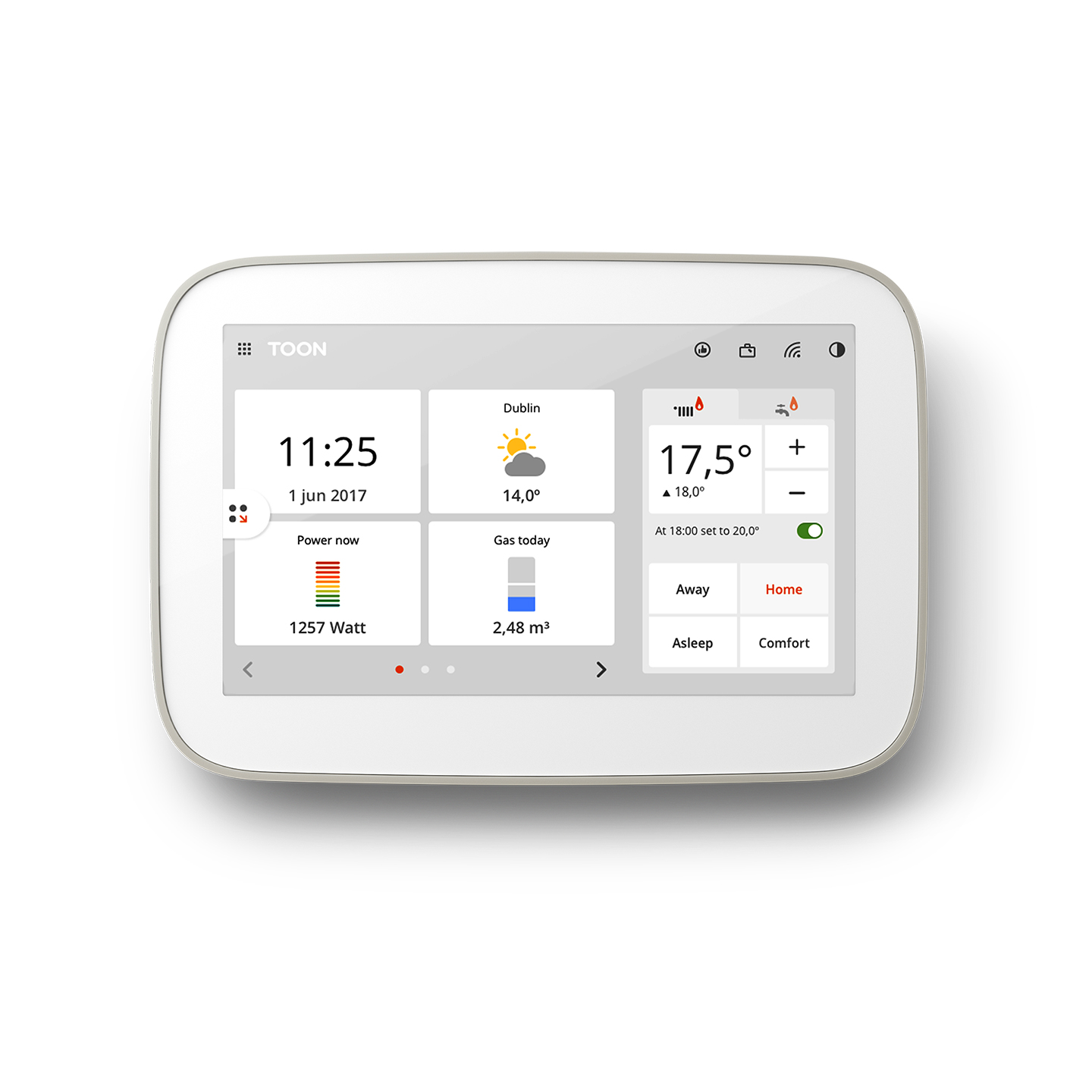
Setup instructions
1. Go to the 'Network functionality' tab and press either the 'Classic' or 'NWI' button under the 'Learn Mode' header. 2. Press the 'Start' button to start the learn mode. 3. Enter the first 5 digits of the DSK on the including node. 4. Press the 'Close' button to close the dialog when completed.
Frequently asked questions
Does the Display QB3 work with Home Assistant?
Yes — the Display QB3 is supported by Z-Wave JS, the modern Z-Wave stack used by Home Assistant. Pair it through the Z-Wave JS UI or the Home Assistant Z-Wave integration. A Z-Wave controller is required.
What protocol does the Display QB3 use?
The Display QB3 communicates over Z-Wave.
Data: zwave
← Back to results