The Wireless handle is a Z-wave sensors by HOPPE. It works with Home Assistant.
Compatibility
Compatibility data may be incomplete. Useorto indicate whether it matches your experience.
Shop HOPPE on Amazon
Browse current HOPPE smart home products and deals on Amazon.
Featured HOPPE devices
See all →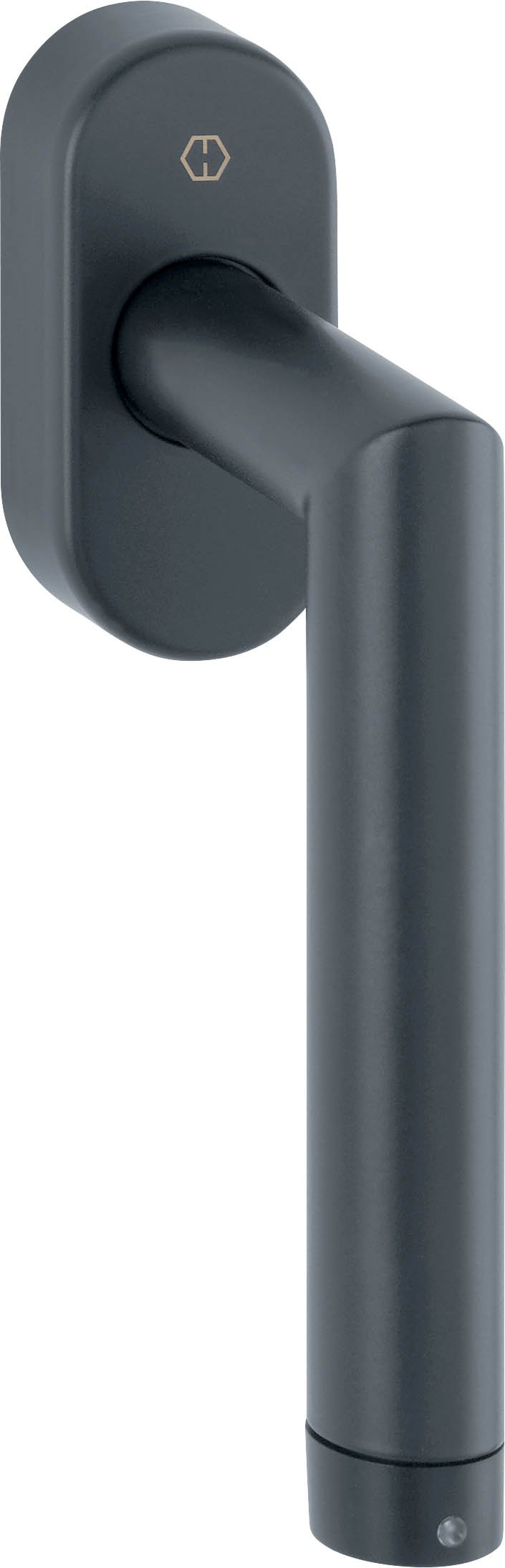
Setup instructions
A Z-Wave network controller in Z-Wave terminology can be connected to the handle. If you want to use a Z-Wave network controller, you must add the handle to the network. Proceed as follows: 1. Set the receiver to the inclusion mode 2. With the window open, change the handle position at least six times within three seconds, causing the green LED to flash continuously; 3. The handle should now be added to the Z-Wave network. 4. The green LED flashes once (1 second) when the handle is included
Frequently asked questions
Is the Wireless handle compatible with Home Assistant?
Yes — the Wireless handle works with Home Assistant over Z-Wave via the Z-Wave JS integration. A Z-Wave controller is required.
What protocol does the Wireless handle use?
The Wireless handle communicates over Z-Wave.
Data: manual
← Back to results